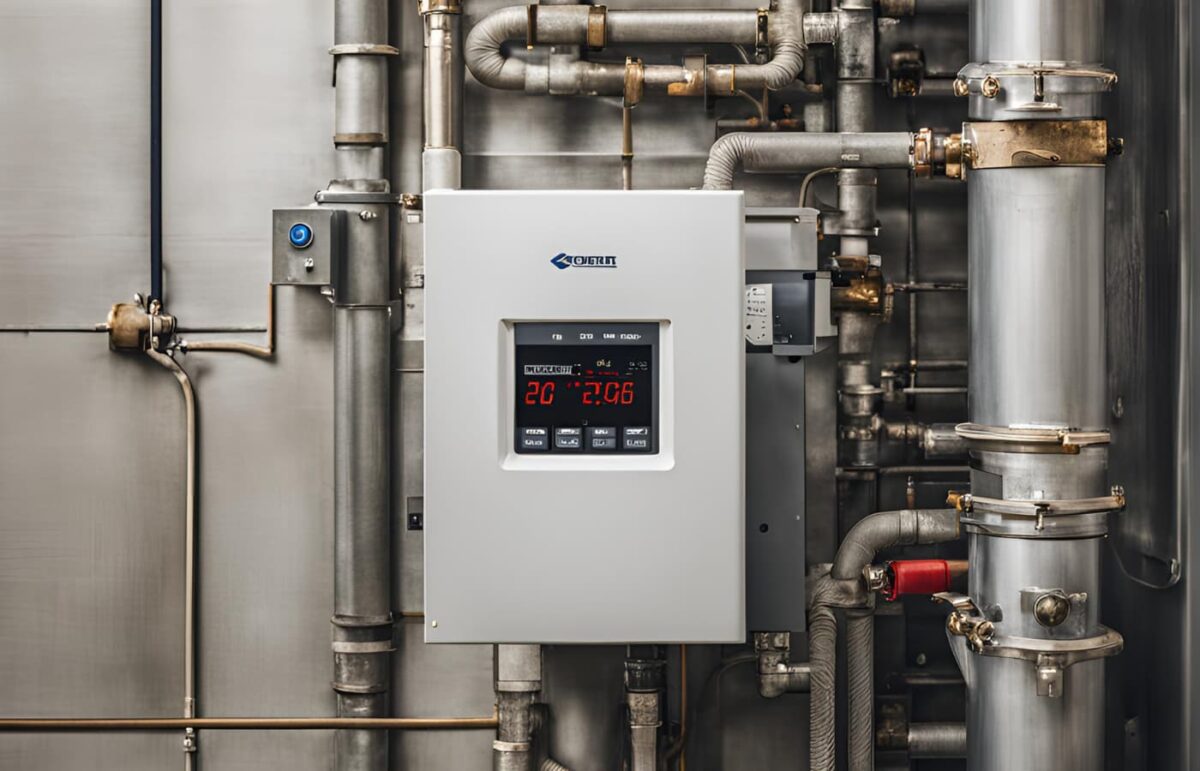
In the ever-evolving landscape of home automation, thermostats have emerged as a pivotal tool for managing both comfort and energy consumption. While the FS-38 and other advanced models boast impressive features, their full potential can only be unlocked through proper programming. This comprehensive guide will delve into the intricacies of thermostats, empowering you to create a comfortable living environment while minimizing your energy bills.
Understanding Thermostat Programming
Thermostat programming, in essence, involves setting specific temperatures for different times of the day and week. By tailoring your heating and cooling schedules to your lifestyle, you can avoid wasting energy on heating or cooling an empty house while ensuring a comfortable temperature upon your return.
Types of Thermostats
Before we dive into the specifics of programming, let’s explore the different types of thermostats available:
- Non-Programmable Thermostats: These are the simplest type, allowing you to set a single temperature for both heating and cooling.
- Programmable Thermostats: These thermostats allow you to create custom schedules for different days of the week.
- Smart Thermostats: These advanced thermostats offer features like Wi-Fi connectivity, learning capabilities, and remote control through smartphone apps.
Getting Started with Thermostat Programming
1. Know Your Schedule
The first step in effective thermostat programming is understanding your daily and weekly schedule. Determine the times when you are typically home, away, awake, and asleep. This information will serve as the foundation for your heating and cooling schedule.
2. Set Your Temperature Preferences
Decide on your desired temperatures for different periods. A common recommendation is to set the thermostat to 68 F (20 C) during the winter when you’re home and awake, and lower it by 7-10 F when you’re asleep or away. In the summer, set the thermostat to 78 F (25.5 C) when you’re home and raise it when you’re away.
3. Create Your Schedule
Once you have a clear picture of your schedule and temperature preferences, it’s time to create your thermostat program. Most programmable thermostats allow you to set different schedules for weekdays and weekends. Divide your day into blocks (e.g., morning, afternoon, evening, night) and assign temperature settings to each block.
4. Optimize for Energy Savings
To maximize energy savings, consider these tips:
- Utilize Setback Periods: Lower the temperature during periods when you’re away or asleep.
- Take Advantage of Natural Heating and Cooling: Open curtains and blinds during the day in winter to let in sunlight, and close them in summer to block out the heat.
- Use Fans Strategically: Ceiling fans can help circulate air and make you feel more comfortable, allowing you to raise the thermostat setting a few degrees.
Advanced Thermostat Programming
1. Smart Thermostats
Smart thermostats take programming to the next level. They learn your habits and preferences over time, automatically adjusting the temperature for optimal comfort and energy savings. Some smart thermostats even offer features like geofencing, which adjusts the temperature based on your location.
2. Zoning
If your home has multiple zones, consider investing in a zoning system. Zoning allows you to control the temperature in different areas of your home independently, further optimizing comfort and energy efficiency.
3. Demand Response Programs
Some utility companies offer demand response programs, where you can earn credits or incentives for reducing your energy consumption during peak demand periods. Smart thermostats can often integrate with these programs, automatically adjusting your settings to help you save energy and money.
Troubleshooting Thermostat Issues
Even with careful programming, thermostats can occasionally encounter issues. Here are some common problems and solutions:
- Thermostat Not Responding: Check the batteries and power supply. If those are fine, try resetting the thermostat.
- Inaccurate Temperature Readings: Make sure the thermostat is properly calibrated and not located in a drafty or sunny area.
- Heating or Cooling System Not Turning On: Check the circuit breaker and wiring connections. If those are okay, the issue may lie with the heating or cooling system itself.
FS-38: A Versatile Thermostat Option
If you’re looking for a reliable and feature-rich thermostat, the FS-38 is a solid choice. Offering both programmable and smart functionalities, the FS-38 can be easily integrated into your home automation system and help you achieve both comfort and energy savings.
Maximizing Comfort and Savings with the FS-38 Thermostat
When it comes to programmable thermostats, the FS-38 is a popular choice for homeowners seeking both comfort and energy efficiency. Its intuitive interface and advanced features make it easy to create personalized schedules that align with your daily routines. The FS-38 also offers smart functionalities, allowing you to control your thermostat remotely via a smartphone app. This convenience not only enhances comfort but also opens up opportunities for further energy savings. For instance, you can easily adjust the temperature from your phone if you’re running late from work or decide to extend your vacation. With its combination of programmable and smart features, the FS-38 thermostat empowers you to take full control of your home’s climate while keeping energy costs in check.
Conclusion
In the realm of home comfort and energy efficiency, your FS-38 thermostat plays a pivotal role. By mastering the art of thermostat programming, you can create a comfortable living environment while significantly reducing your energy bills. Whether you opt for a simple programmable thermostat or invest in a sophisticated smart thermostat, taking the time to program your thermostat will pay off in both comfort and savings.